 Tiny Tally

Big days. Little moments.
Keep the details here. Keep your mind on them.
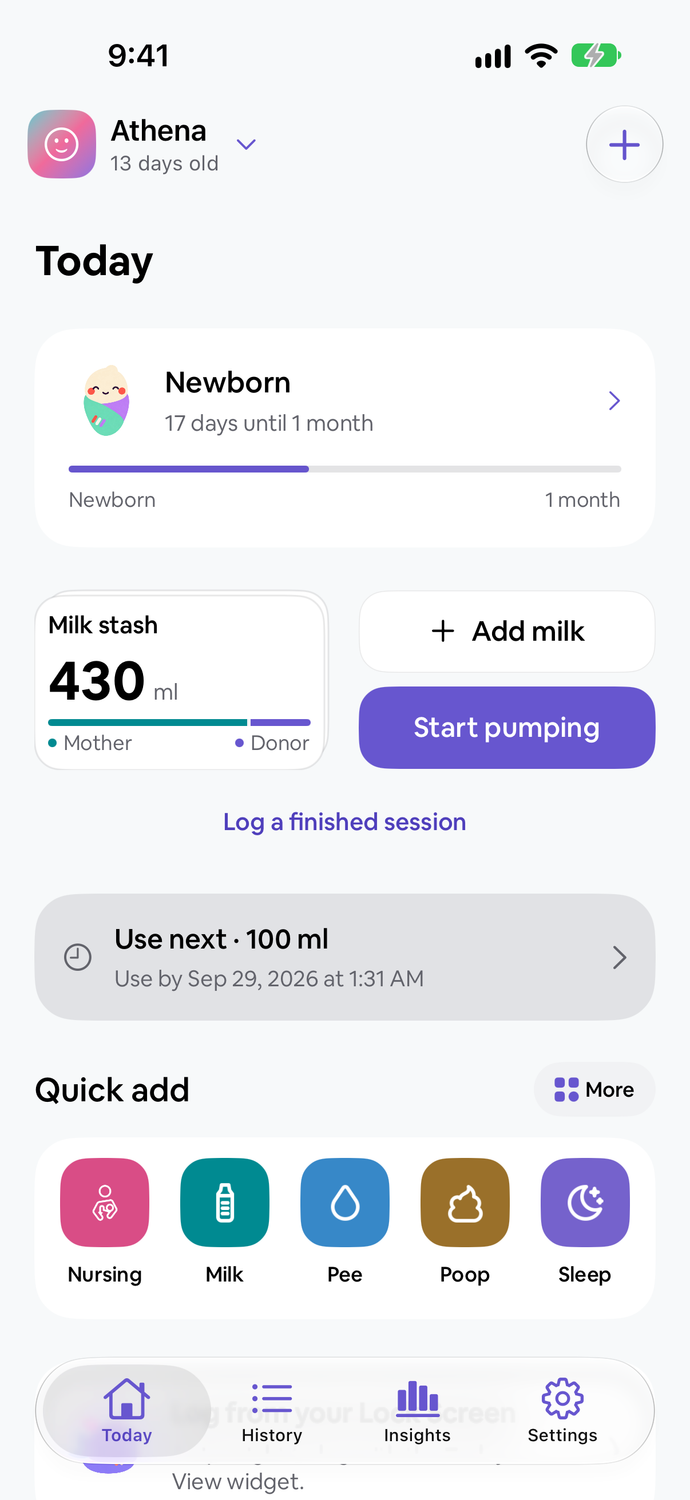

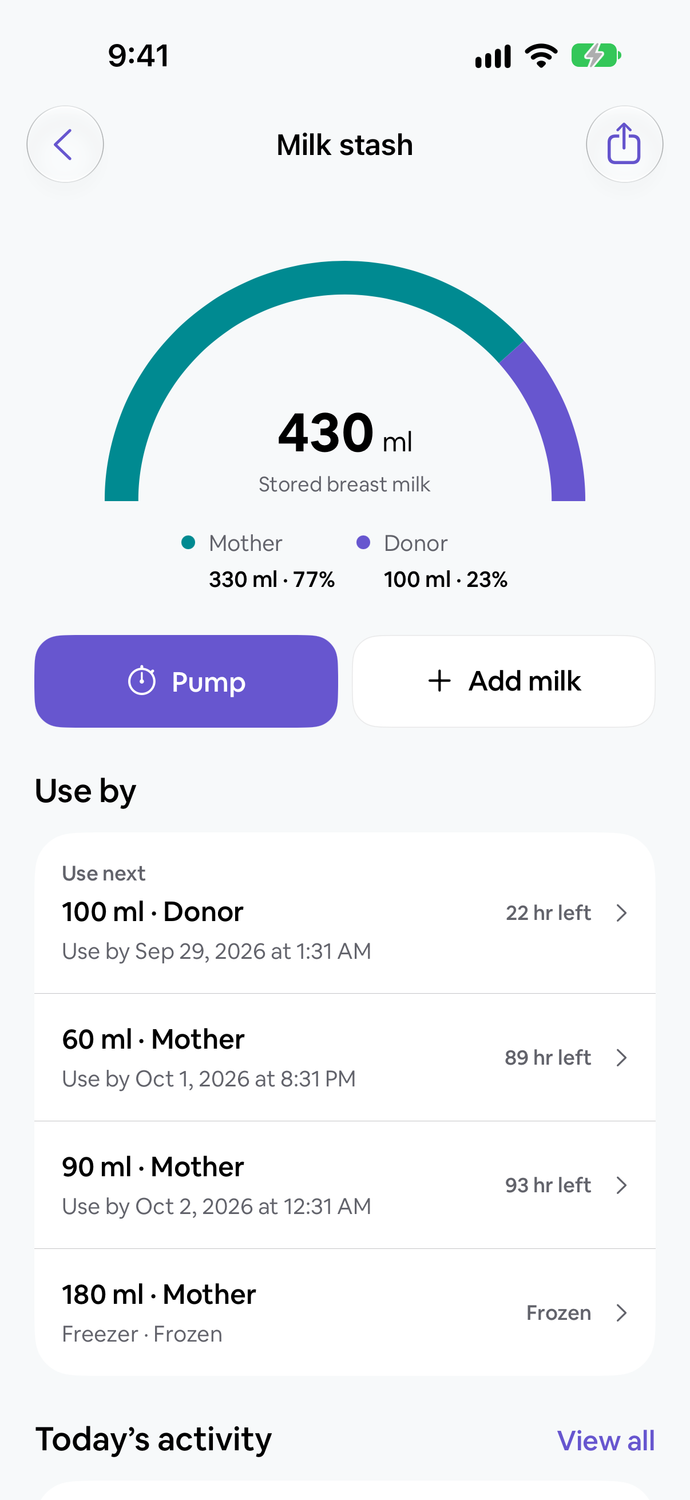
For the milk
you saved for later.
Keep pumping sessions and stored milk with the rest of your baby's day. See what's in the fridge and freezer, then choose a portion when you log a bottle.
- Record a pumping session
- Use a timer or log a finished session. Record the amount collected and where you stored it.
- See your milk stash
- Keep track of your own and donor milk, storage locations and use-by details.
- Connect it to a feed
- Choose stored portions for a bottle feed and keep the remaining amounts up to date.
A little closer.
From screen to wrist.
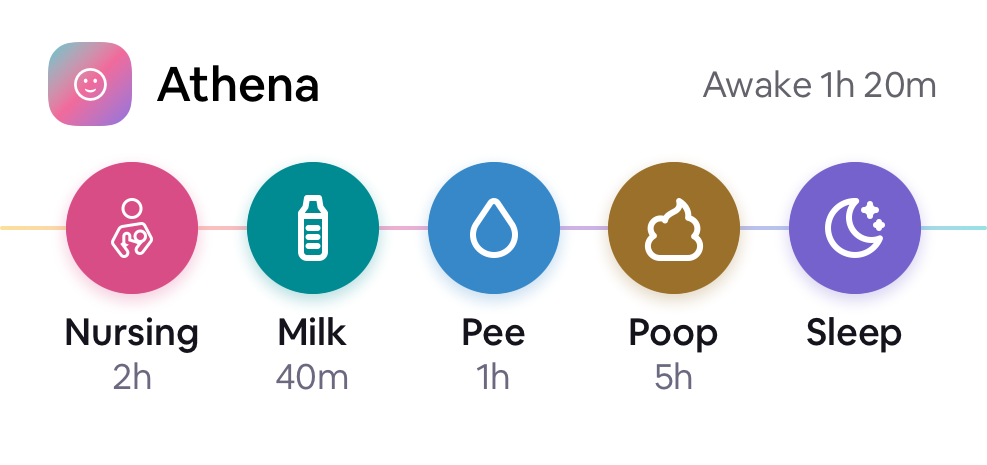
Follow an ongoing feed or nap with Live Activities on your Lock Screen. Quick care actions stay close on your Home Screen and Apple Watch.
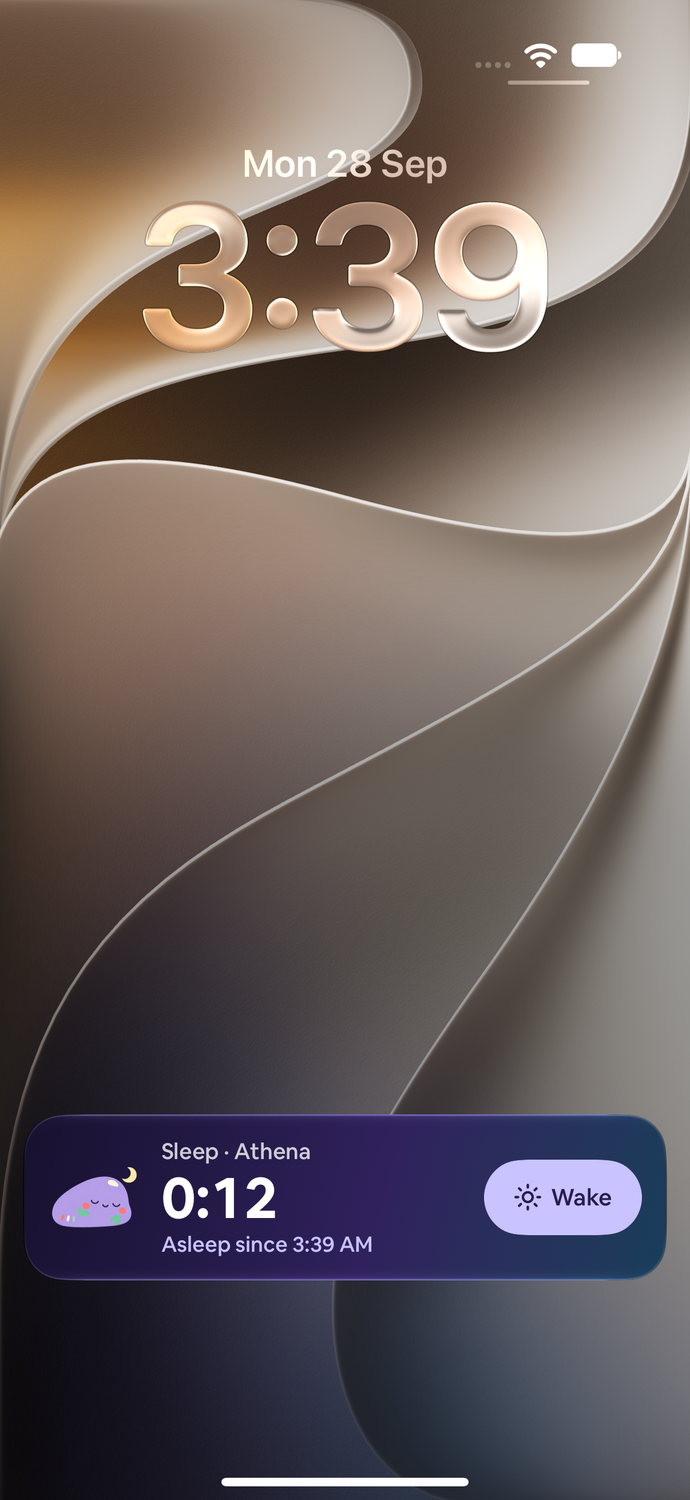
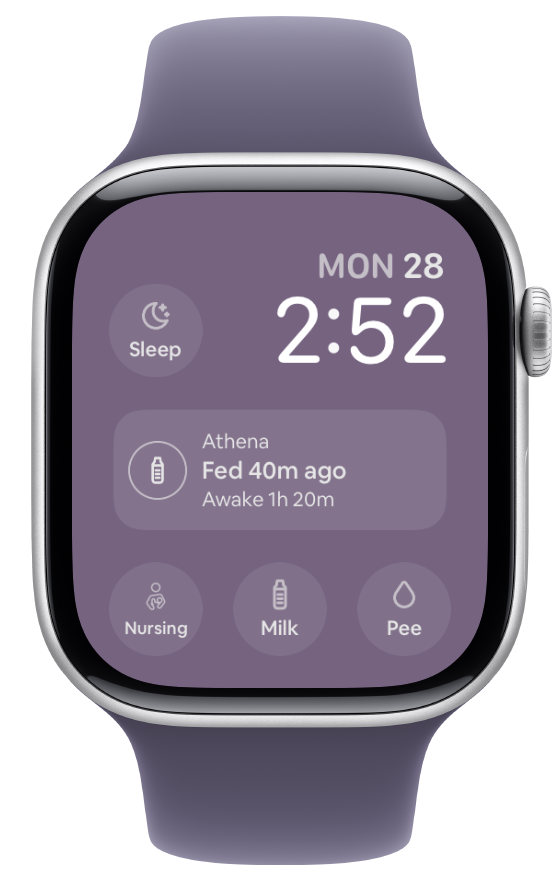

And right on your wrist.
Check their day on your watch face. Log care, turn the Digital Crown to adjust a milk amount, or time a nursing session and switch sides.
Set up your baby on your paired iPhone.
Apple Watch requires watchOS 11 or later.

Oh, how the
little things add up.
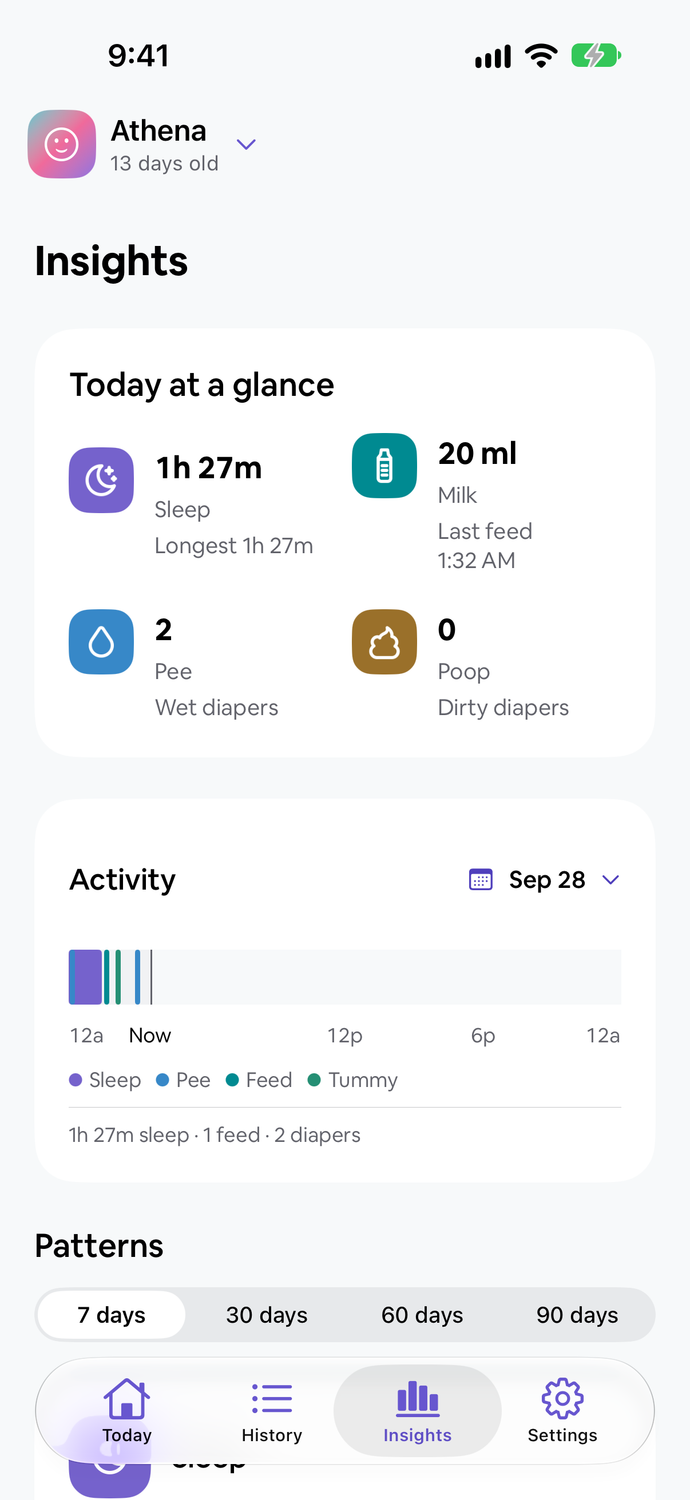
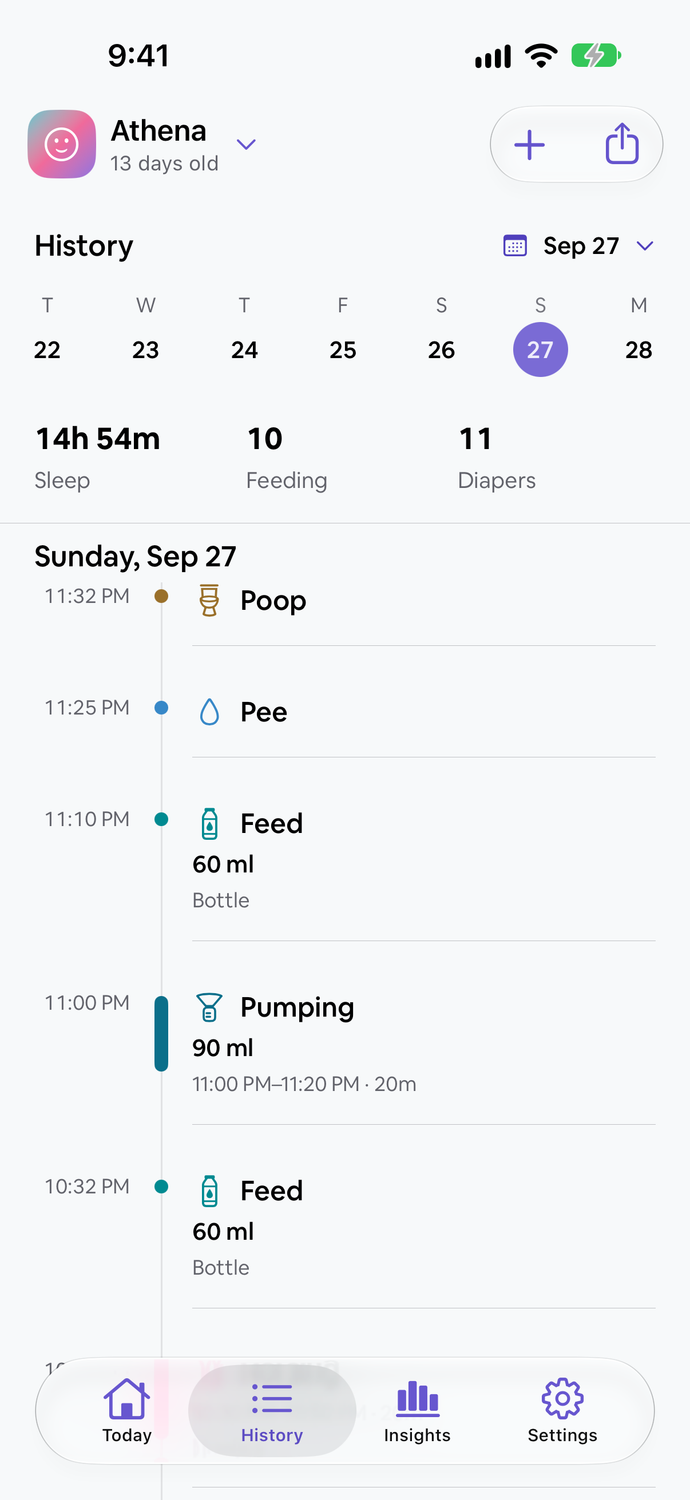
See daily care totals and activity patterns in Insights, then look back through the moments you’ve recorded in History.
- Find an earlier moment
- Return to past feeds, sleep sessions and diaper changes in History.
- Fill in what you missed
- Add a past activity or correct an entry when you have a free moment.
- Keep a copy
- Export care records as a CSV when you want them outside the app.
One little one.
A little teamwork.
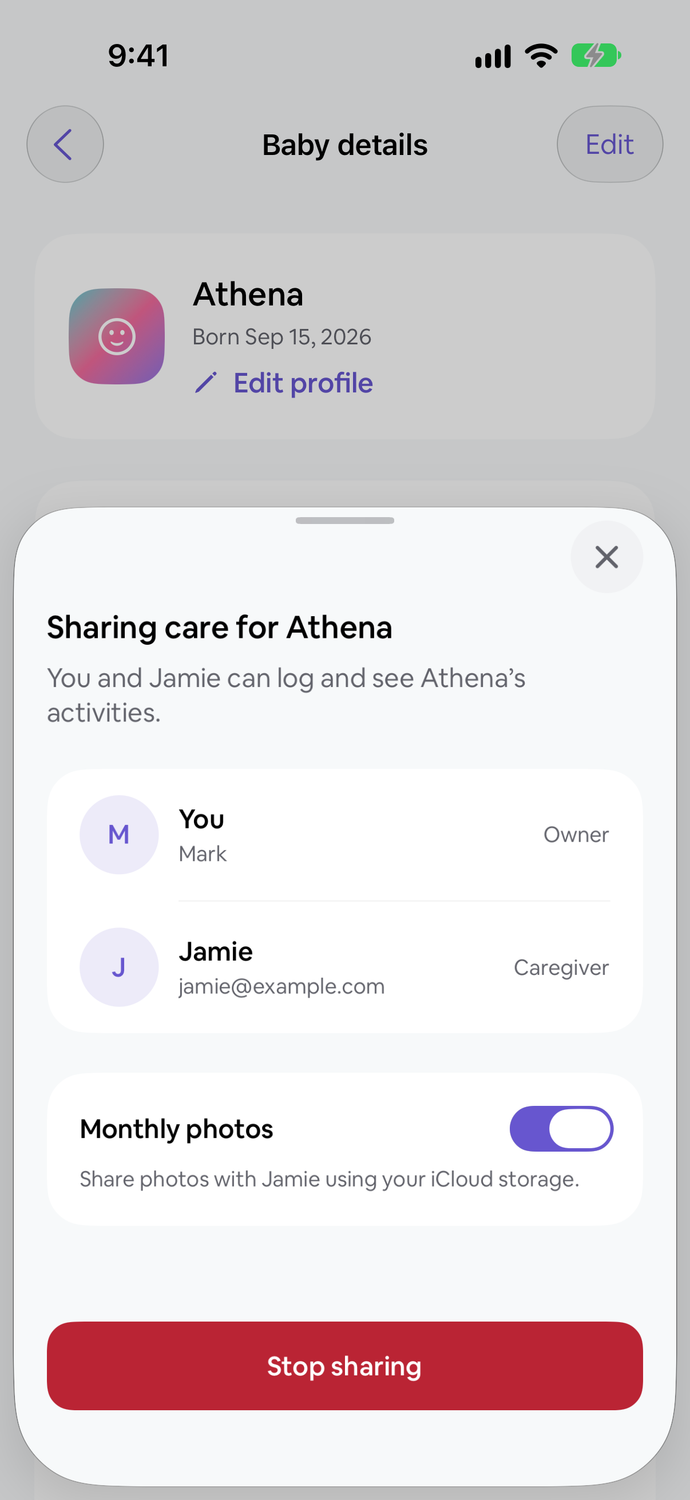
Who did the last feed? When did they wake? Invite your partner or another caregiver to the same baby’s care history, and see who logged each moment.
Keep a separate profile for each baby, with their own care records.
Explore shared careOne invited caregiver per baby. Sign-in is required for shared care.
Their first year.
Yours to keep.
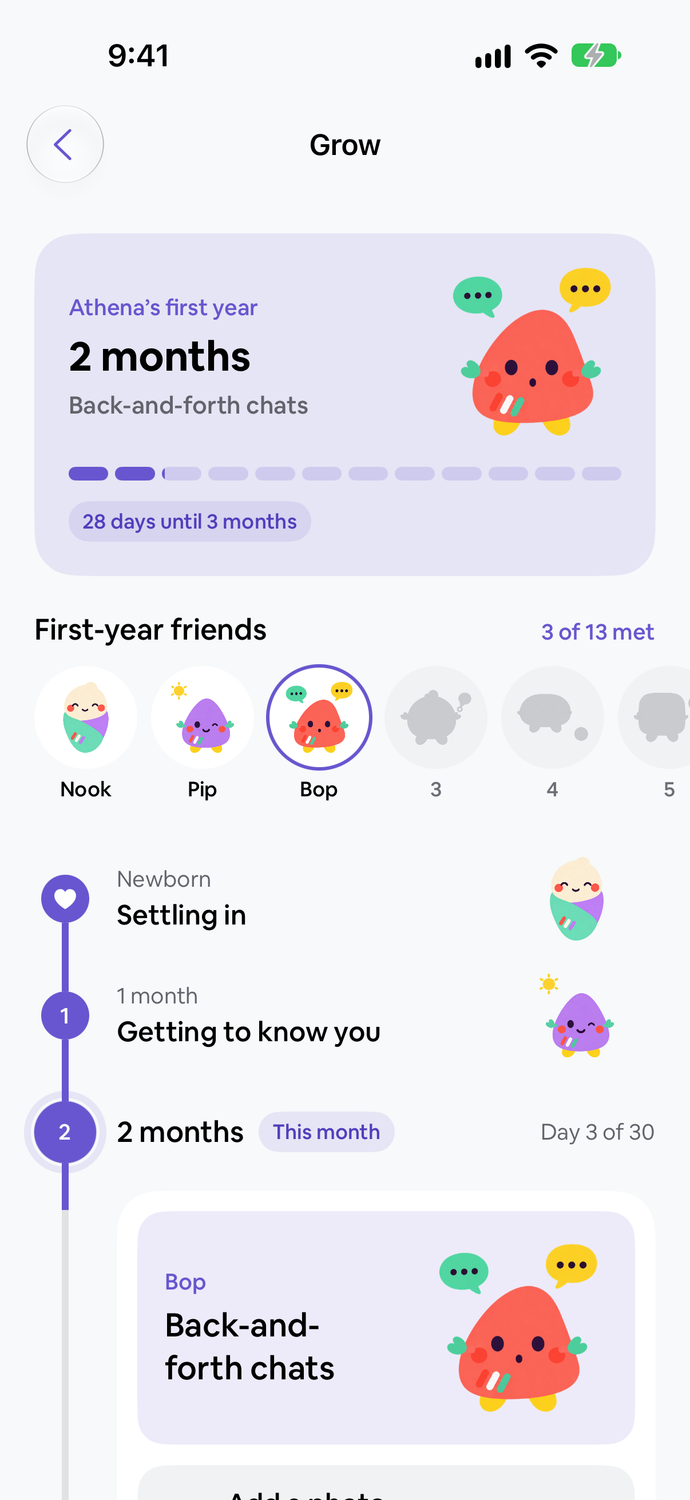
From the newborn weeks to their first birthday, Grow gives each month a place for photos, notes and little things to try together.
- A month at a time
- Explore illustrated guides for what you may notice and activities to try together.
- Keep the little moments
- Add photos to each month’s album, choose a cover and write a note. Save your first-year photo book as a PDF.
- Share their album through iCloud
- Let your invited caregiver view monthly photos in Tiny Tally. You manage the photos and can turn photo sharing off in caregiver settings.
Photo sharing uses iCloud. Both caregivers need to be signed in to iCloud; the invited caregiver accepts the photo invitation in Tiny Tally.
More about sharing care and photosRoom for their
other little things, too.
Custom activities for tummy time, bath time
and whatever matters to your baby’s day.


For your little one.
And a little for you.
Try Tiny Tally for 7 days. No automatic charge.
Keep it with a one-time purchase.
For iPhone with iOS 18 or later.
A few little questions.
Do I need an account?
You can keep local care records without an account. Sign in to use account sync and caregiver sharing.
Is there a subscription?
No. Try it for 7 days, then choose a one-time purchase. The app shows your local price before you buy.
Can I track more than one baby?
Yes. Each baby has their own profile and care history.